> ## Documentation Index
> Fetch the complete documentation index at: https://swapnice.mintlify.site/llms.txt
> Use this file to discover all available pages before exploring further.
# Inventory
> Track and manage your Hubs in your Inventory.
08/13/24
### What is the Inventory?
The Inventory is a feature of the Swapnice platform that allows you to track and manage your Hubs. It is a digital record of all the Hubs you own, including their details and the items they contain. The Inventory is designed to help you keep track of your Hubs and the items they contain, making it easier to manage your collection.
The inventory page has 2 subpages:
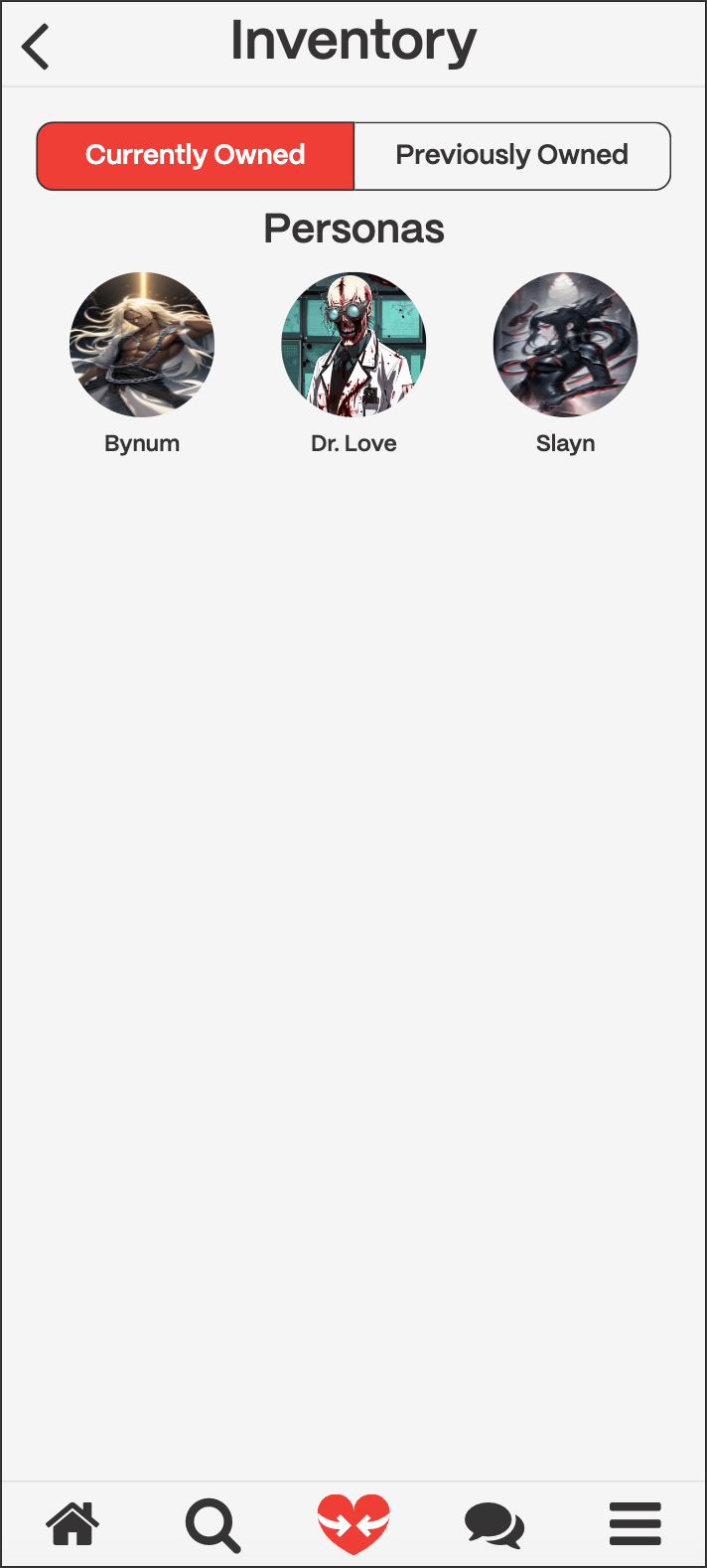
1. **Currently Owned**
Shows you all the [**hubs**](../swapnice-features/hubs) you currently own. You can click on any of the icons to get to the hub for that [**Switem**](../swapnice-features/switems). These are ordered by the most recent hub you have interacted with.
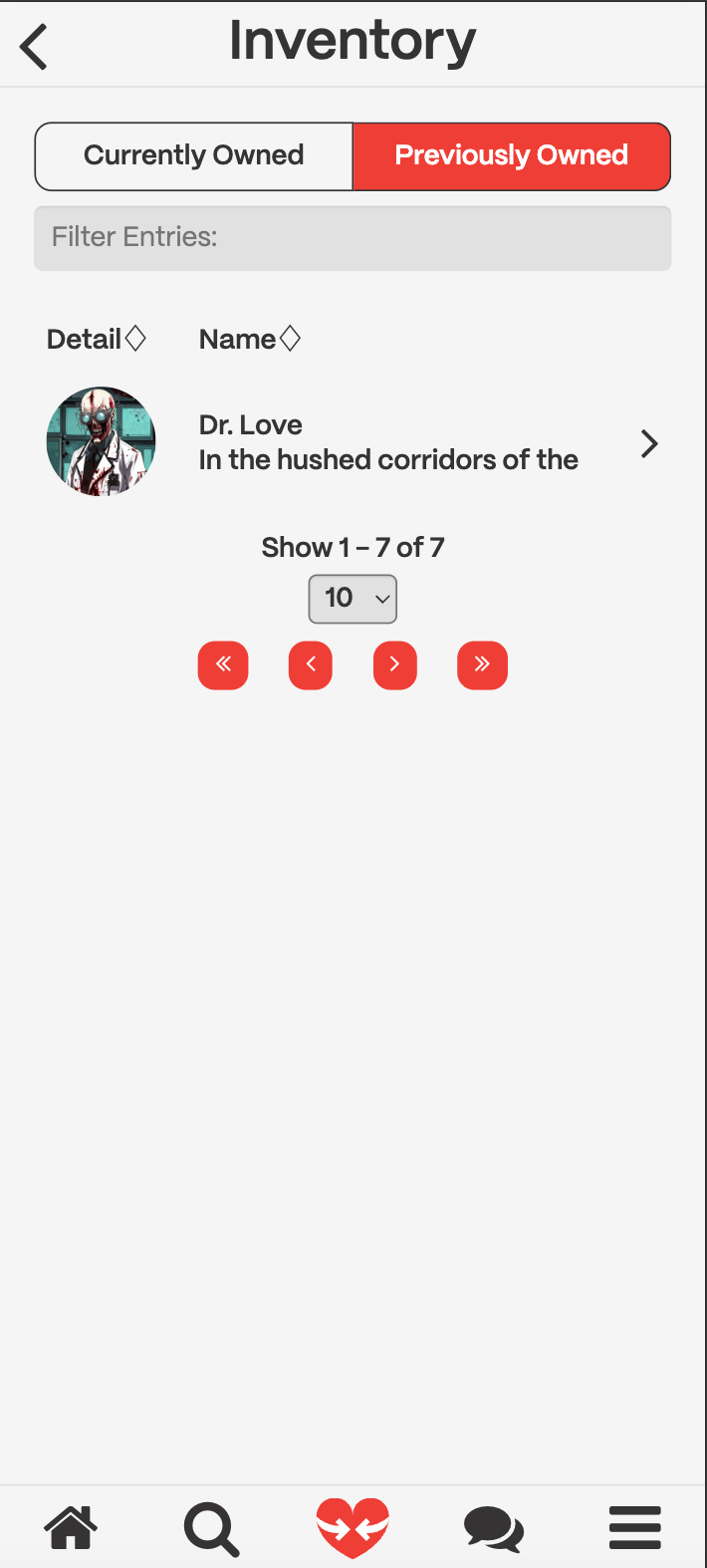
2. **Previously Owned**
Shows you all the [**hubs**](../swapnice-features/hubs) you previously owned. You can click on any of the rows in the table to get to the hub for that [**Switem**](../swapnice-features/switems). These are ordered by the most recent hub you have interacted with.
### How do I navigate to the Inventory?
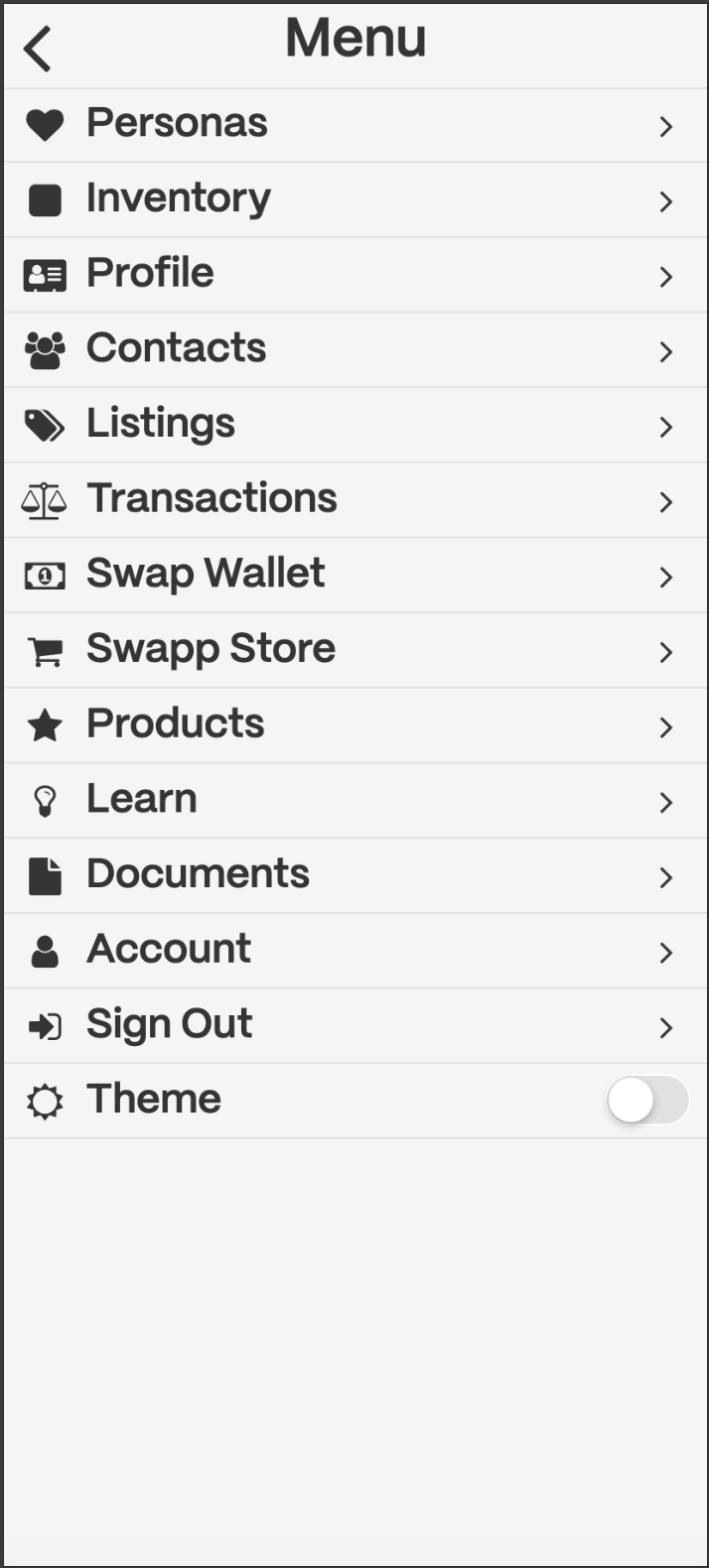
On Swapnice, you can access your Inventory by clicking on the Inventory icon in the menu bar. The menu bar is available once you click on the hamburger icon.